Sora 2 Upscaler Enhance & Upscale Sora 2 Videos to 4K
Turn 720p/1080p Sora 2 outputs into clean 4K with AI super-resolution. Recover fine textures, sharpen edges, reduce compression artifacts, and stabilize motion—processed securely in the cloud.
Click to upload video (MP4, MOV, WebM) or paste a link
Select Resolution
Examples
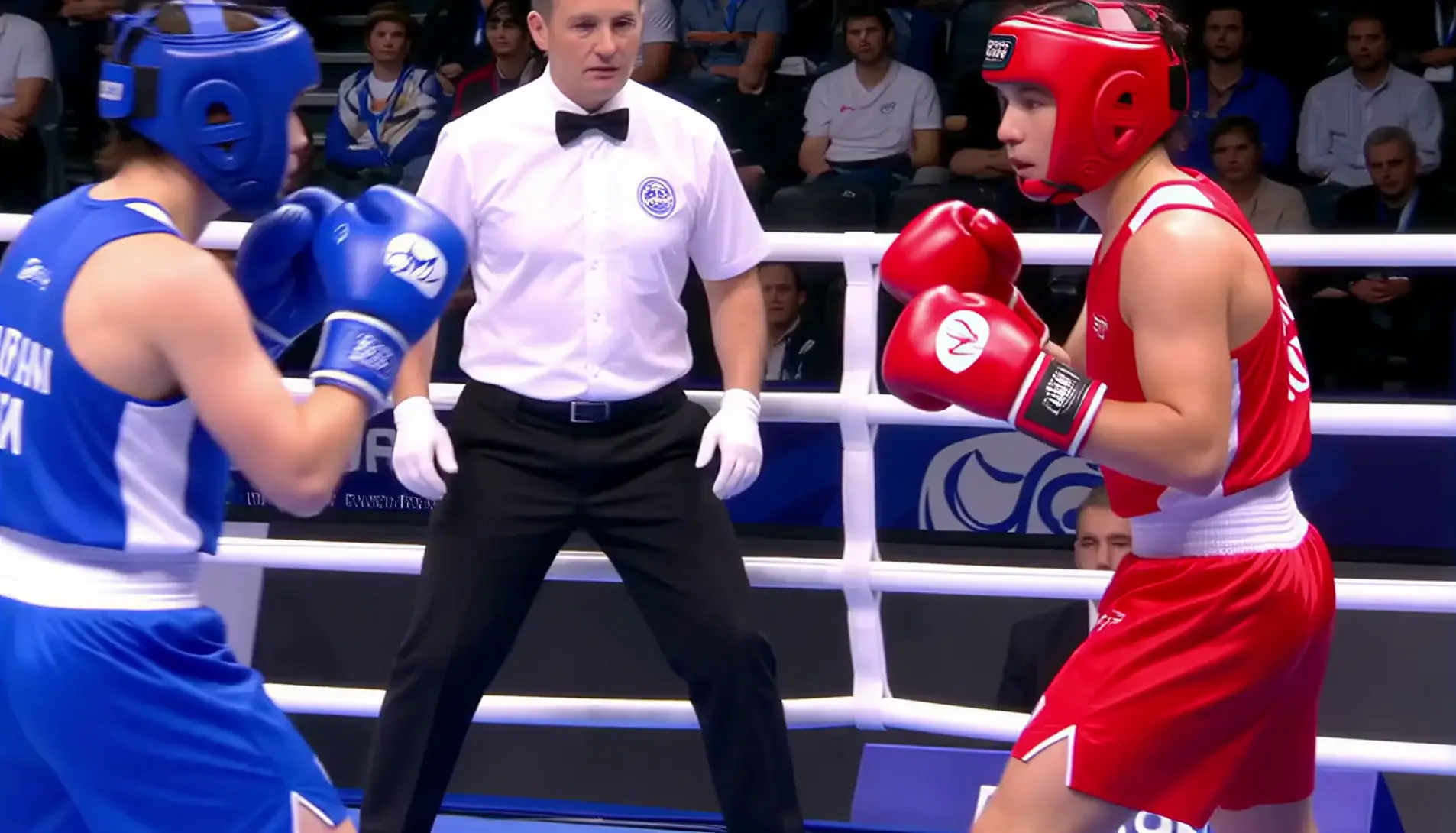

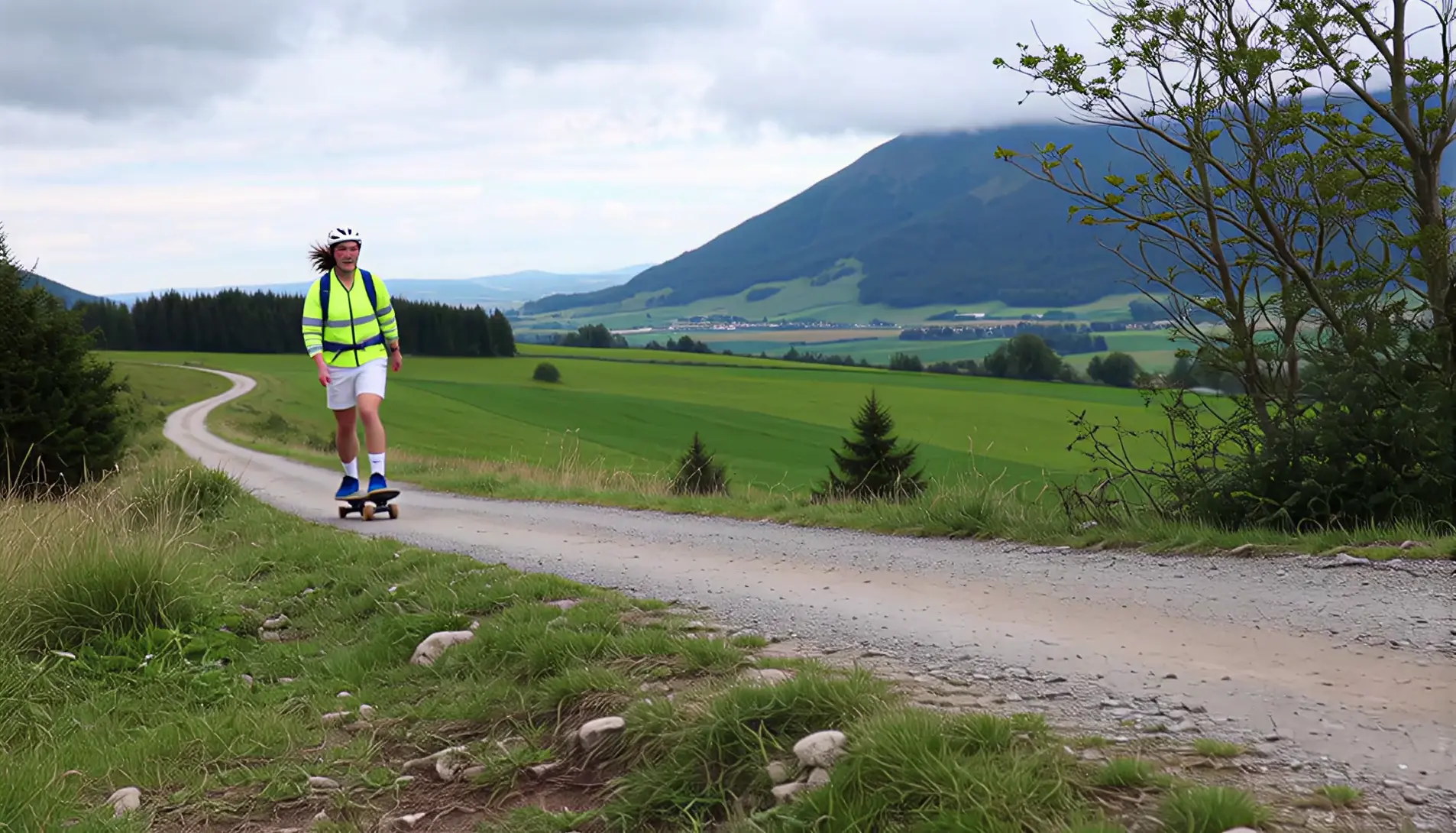

Use Cases for Sora 2 Upscaler
Shorts & Reels
Upgrade Sora 2 shorts to 4K so captions, logos, and UI remain crisp on high-density screens.
Cinematic Ads & Trailers
Improve edges, textures, and gradients; lock a consistent look for color grading.
Animation & Stylized Content
Protect outlines and flat color regions; reduce color banding and shimmer.
Product Demos & Explainers
Keep on-screen type readable, packaging sharp, and motion smooth after export.
Key Features — Inside the Sora 2 Upscaler
4K Targeting
Upscale Sora 2 videos from 720p/1080p to true native 4K output.
Detail Reconstruction
Rebuild fine textures (hair, fabric, foliage) and sharpen edges without harsh halos.
Temporal Consistency
Minimize flicker and ghosting across frames for natural motion.
Artifact Reduction
Reduce blocks, ringing, banding, and sparkle on gradients and fast motion.
How to upscale Sora 2 video?
Upload
your Sora 2 video (MP4/MOV/WebM) or paste a link.
Select
target resolution (1080p/2K/4K) and a preset—Precise (faithful) or Creative (re-imagine details). Toggle artifact cleanup/noise options.
Preview & Export
a short segment, then process the full video and download your 4K master.
FAQs
A Sora 2 Upscaler is an AI tool that enhances and enlarges videos generated by Sora 2. It analyzes and reconstructs frames to produce genuine detail and cleaner motion—especially when moving from 720p/1080p to 4K.